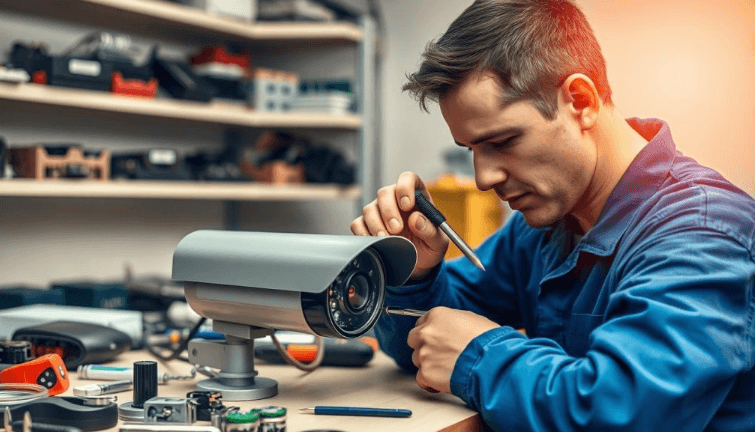
Security cameras are built to run for years, but they live hard lives. They sit outside through summer heat, storms and humidity, they run twenty-four hours a day, and they rely on cables, connectors and power supplies that can fail long before the camera itself does. Sooner or later, every system develops a problem. The question is whether to fix it or start over.
Making the right call saves money and, just as importantly, prevents the gap in coverage that leaves a property exposed. Here is how to think it through.
Common Symptoms and What They Usually Mean
Many camera problems look serious but have simple causes. Before writing off equipment, it helps to understand what the symptoms typically point to.
- Camera works by day but goes black or reboots at night: often a power issue. Infrared illuminators draw extra current after dark, and a weak power supply or long cable run cannot keep up.
- Foggy or hazy image: frequently moisture inside the housing, a dirty dome cover, or a spider web near the lens.
- Rolling lines or interference on an analog camera: usually a damaged cable, a corroded connector or cabling running too close to electrical lines.
- Camera keeps dropping offline on an IP system: commonly a network switch issue, an overloaded PoE budget, or a loose or poorly terminated network connector.
- Recorder shows “no video” on several cameras at once: suggests a shared component, such as a power distribution box, switch or the recorder itself.
- Footage missing for certain days: often a hard drive problem rather than a camera fault.
In many of these cases, the camera is fine. The repair is a new power supply, a replaced connector or a cable fix, which is far cheaper than new hardware.
When Repair Makes Sense
Repair is usually the better choice when the system is relatively modern, the image quality still meets your needs and the fault is isolated to a component that can be replaced. A recorder that is a few years old with a failed hard drive, a camera with a cracked dome, or a run of cable damaged by a contractor are all classic repair jobs.
Repair also makes sense when the existing cameras integrate well with other systems such as access control or alarm monitoring. Replacing one part of a well-integrated setup can cause compatibility headaches that outweigh the cost of fixing what you have. Working with a security camera repair specialist who can test cables, power and recorders properly often reveals that a system has plenty of useful life left.
When Replacement Is the Smarter Move
Sometimes repair just delays the inevitable. Replacement is worth serious consideration when:
- The footage is too low-resolution to identify faces or license plates, even when everything is working.
- The recorder no longer receives firmware or security updates, leaving it vulnerable on your network.
- The mobile app or remote viewing software has been discontinued.
- Multiple cameras are failing around the same time, indicating the whole system is reaching the end of its life.
- Repair parts are no longer available or cost close to the price of new equipment.
- Your organization now needs compliance features, such as NDAA-compliant hardware for government-related sites.
A useful rule of thumb: if repairing a device costs more than about half of what a modern replacement would cost, and the replacement brings meaningful improvements, replacement is usually the better investment.
Consider a Phased Approach
Replacement does not have to mean replacing everything at once. Many properties start by upgrading the recorder and the most critical cameras, such as entrances, cash areas and parking lots, then replace the rest over time. Modern hybrid recorders make this easier by accepting a mix of older and newer cameras.
Preventive Maintenance Reduces Both
The best way to avoid difficult repair-or-replace decisions is routine maintenance. A simple checklist every six months can catch most problems early:
- Clean camera lenses and dome covers.
- Check that each camera’s view still covers what it should, since cameras can be bumped or trees can grow into the frame.
- Inspect outdoor connectors and junction boxes for water and corrosion.
- Confirm the recorder’s oldest available footage matches the retention period you require.
- Review the recorder for firmware updates and drive health warnings.
- Test remote viewing on the mobile app.
Conclusion
A failing camera system does not automatically need replacing. Many problems come down to power, cabling, connectors or storage, all of which are affordable to fix. When equipment is outdated, unsupported or simply not capturing usable evidence, though, replacement is the responsible choice. Diagnose the real cause first, weigh the cost against the benefit, and keep the system maintained so the next decision is a long way off.