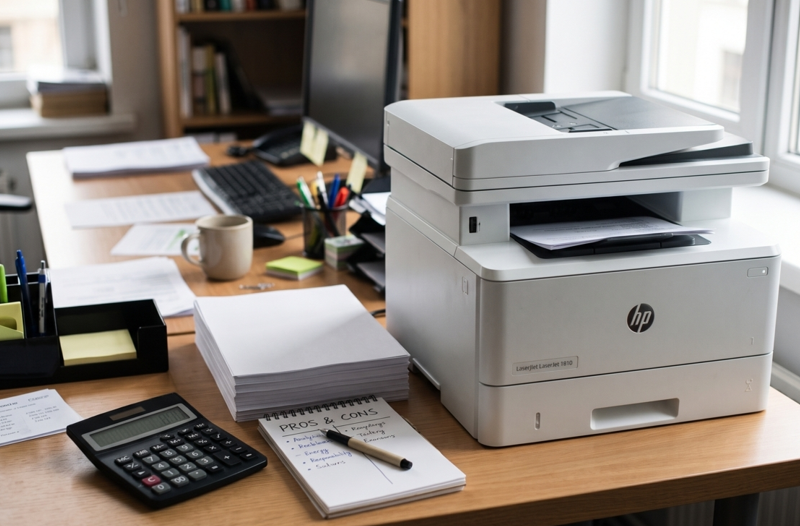
Nobody plans for printing costs. Then the month ends, and you notice how much went on toner, paper and repairs. It adds up quietly.
The good news is you don’t need to stop printing to save money. A few small changes make a real difference. Start with your supplies. Choosing the right HP toner cartridges for your printer model, from a supplier you trust, is one of the easiest ways to keep costs down. Let’s go through the rest.
Where Does the Money Actually Go?
Most offices lose money in the same few places:
- Toner and ink
- Paper
- Repairs and downtime
- Printing things nobody needed
- Buying the wrong supplies
Look at each one. You’ll probably find savings in at least two.
1. Know Your Cost Per Page
Most people look at the price of a cartridge. But the better number is cost per page. Divide the cartridge price by the pages it prints. A cheaper cartridge that prints fewer pages can cost more in the long run.
This is why high-yield cartridges often save money for busy offices. You pay more upfront. But each page costs less. If your team prints every day, check the high-yield option for your model.
2. Use the Right Cartridge for Your Model
Wrong cartridge, wasted money. It’s that simple. Always check the full model name and toner number before you order. A cartridge that “almost fits” causes errors and returns, and wastes time.
Write the toner number on a sticky note and keep it near the printer. Then anyone in the office can reorder correctly.
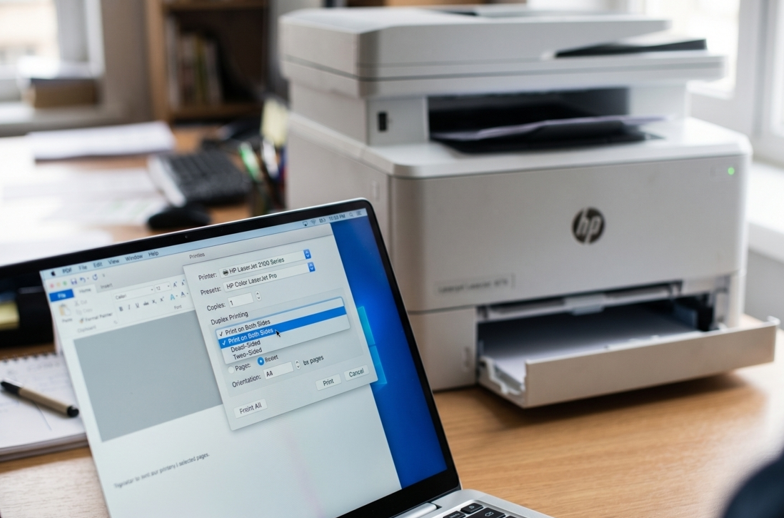
3. Switch On Duplex Printing
Printing on both sides cuts paper use almost in half for long documents. Most modern HP office printers have automatic duplex. Set it as the default in your print settings. Staff can still switch it off when they need single-sided pages.
It’s a two-minute change that saves paper every single day.
4. Use Draft or Economy Mode
Not every page needs to look perfect. Internal memos, drafts and meeting notes look fine in draft mode. It uses less toner. Keep normal quality for client documents and anything formal.
5. Print Black and White by Default
Colour costs more to print. So make black and white the default for everyone, and let people choose colour when it matters. Many offices find that most colour printing wasn’t needed in the first place.
6. Print Less, Check First
Before printing, ask: do I need paper for this? Many documents work fine on screen. A few habits help:
- Use “print preview” to catch mistakes before printing
- Share PDFs instead of printing copies
- Delete extra pages and blank sections before you print
- Use shared network printers instead of lots of small ones
Fewer pages. Lower bills.
7. Keep Your Printers Healthy
A neglected printer costs more. Jams waste paper. Poor print quality means reprints. And a breakdown stops work completely. Regular care avoids all three.
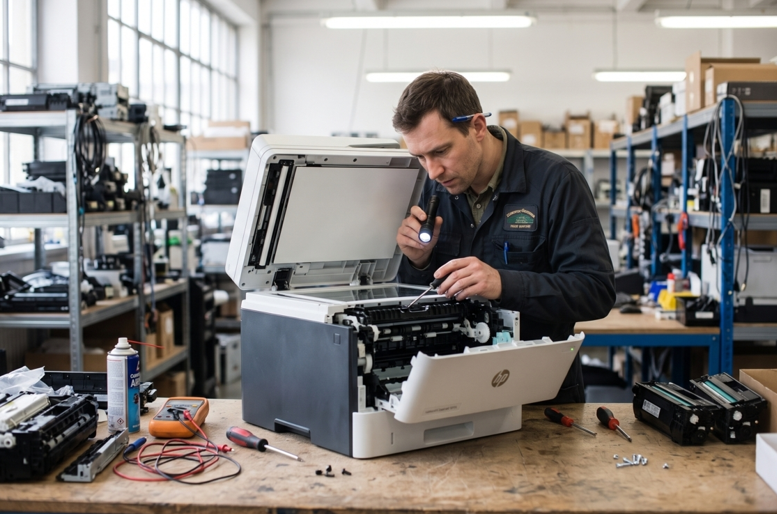
Here’s the thing, though. Even a well-kept printer wears out parts over time. When prints start showing lines, jams keep returning, or error messages won’t clear, don’t ignore it. A trusted HP printer repair in Dubai service can find the real cause early and fix it. That’s usually much cheaper than letting the problem grow, or replacing the whole machine.
8. Don’t Fall for Very Cheap Toner
It’s tempting to buy the cheapest box. But very cheap toner can leak, print unevenly or hold less powder than promised. You end up reprinting pages and buying more cartridges.
Aim for good value, not the lowest price. Pick a supplier who lists your exact model, packs products properly and helps if something doesn’t fit.
9. Track Your Printing
You can’t cut what you can’t see. Keep a simple record for a month. Note how many cartridges you use, how much paper you buy and how often you call for repairs. Many printers can also print a usage report from the settings menu. It shows page counts and helps you spot waste.
10. Set Simple Office Rules
Small rules work better than big policies. Try these:
- Duplex and black and white as the default
- One person in charge of ordering supplies
- A spare cartridge on the shelf, not five
- Report jams and errors early
- Keep paper in a dry place
Share them in one short message. Keep it friendly.
Quick Savings Checklist
- Check cost per page, not just price
- Match cartridges to your exact model
- Turn on duplex
- Use draft mode for internal pages
- Default to black and white
- Print only what you need
- Service printers early
- Buy from a reliable supplier
When Should You Get Extra Help?
Call a technician if:
- Printing costs jump and you don’t know why
- The printer wastes pages with streaks or blank sheets
- Jams or errors return every few days
- You hear grinding or clicking
Please don’t open the printer yourself. Small parts break easily.
Final Thoughts
Cutting printing costs isn’t about doing without. It’s about printing smarter. Choose the right cartridges. Use duplex and draft mode. Keep colour for when it matters. Look after your printers, and fix problems early. Do those things and your next monthly bill will look a lot friendlier.